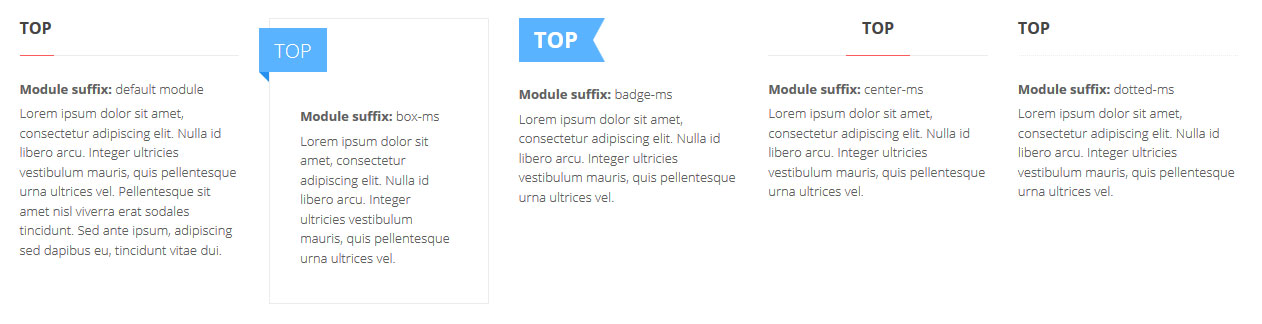
There are 5 available module designs that you can control by entering the correct suffix name to a module parameter. There are also additional suffixes for other modules and pages.
Let's check them all.
1. Available module designs for the pink template version.
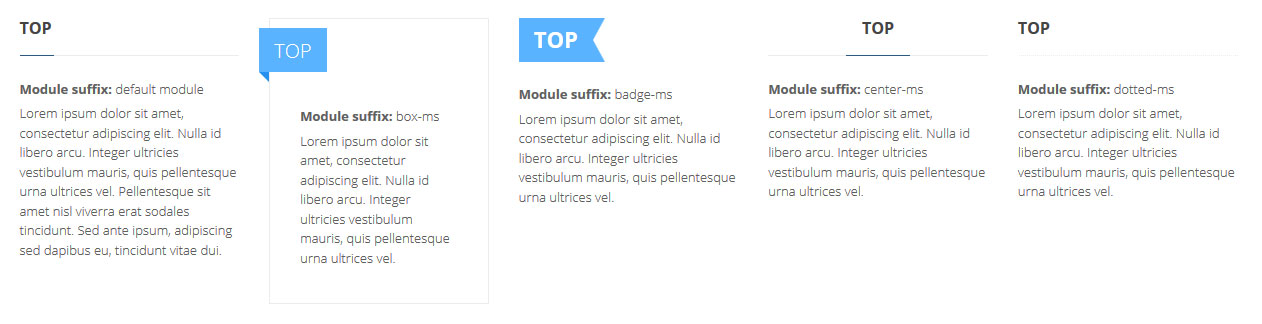
2. Available module designs for the blue template version.
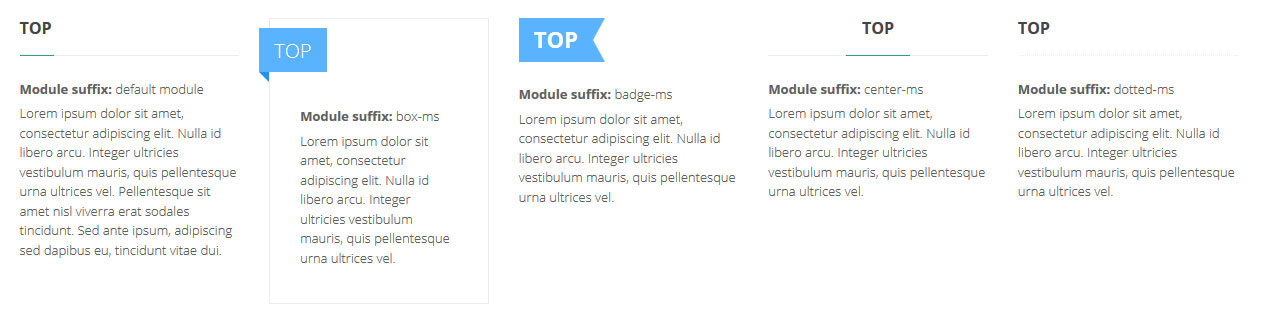
3. Available module designs for the green template version.
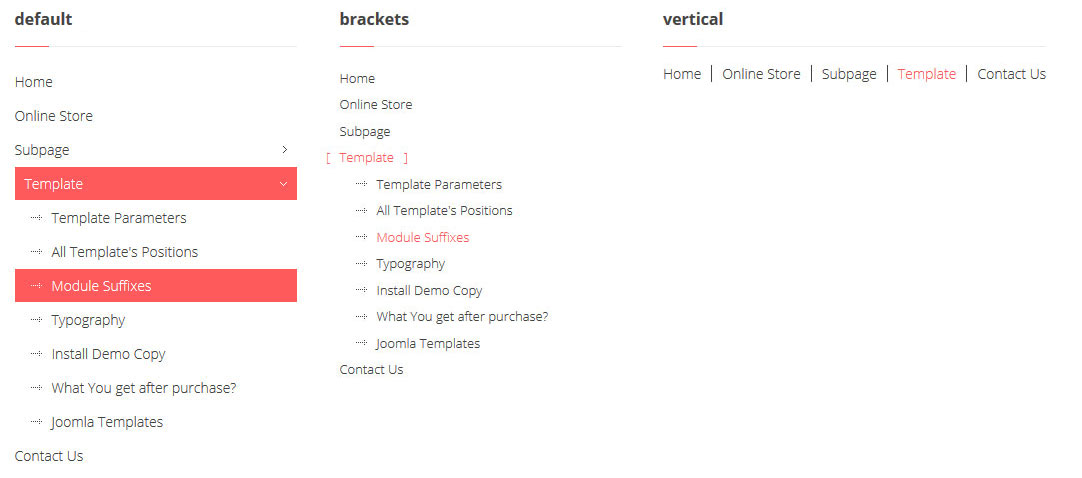
4. Available menu designs for the pink template version.
The "brackets" or "vertical" class should be added as the menu class suffix in a module parameter.
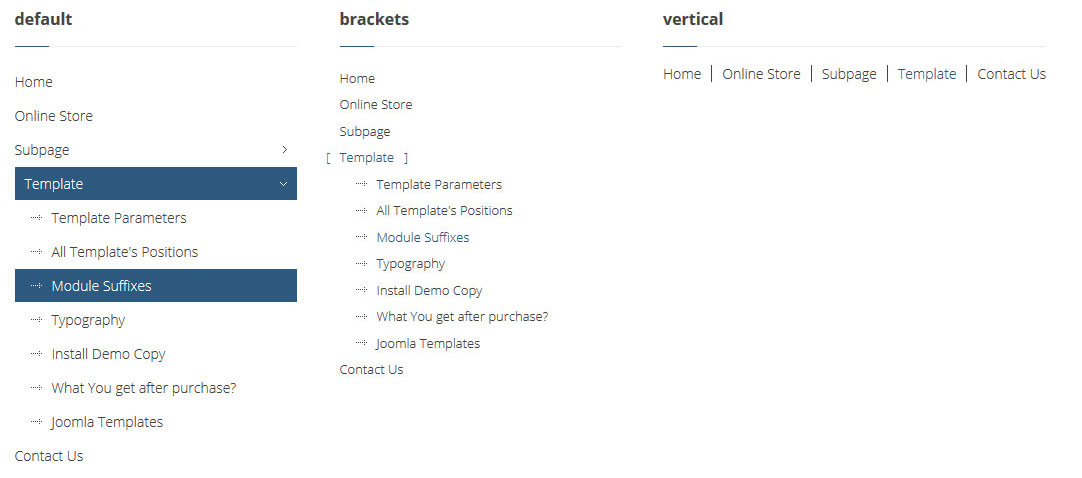
5. Available menu designs for the blue template version.
The "brackets" or "vertical" class should be added as the menu class suffix in a module parameter.
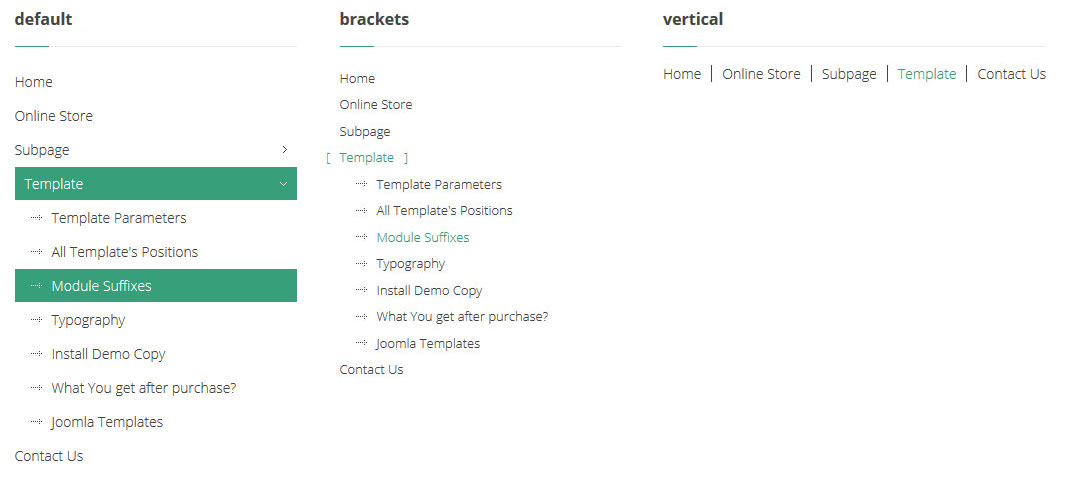
6. Available menu designs for the green template version.
The "brackets" or "vertical" class should be added as the menu class suffix in a module parameter.
7. Use this module suffix for the Joomla search module if you want to get the following view.
Otherwise the module will use the default CSS styles.
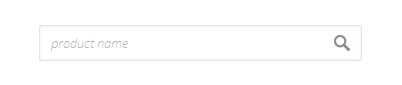
Suffix name: jm-search
8. Use this page class suffix for the Joomla contact form if you want to get the following view.
Otherwise the contact form will use the default CSS styles.
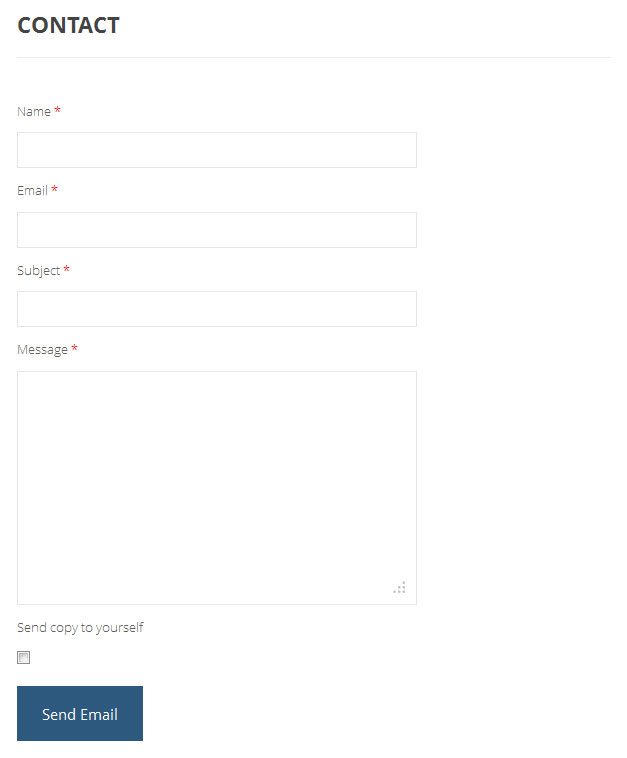
Suffix name: contact-ps
9. Use this module suffix for the HikaShop Cart module (Mini cart option) if you want to get the following view.
Otherwise the module will use the default CSS styles.

Suffix name: cart-ms
10. Use this module suffix for the HikaShop Content module (Type of content - Product; Type of layout - DIV; Type of item layout - img_pane) if you want to get the following view.
Otherwise the module will use the default CSS styles.
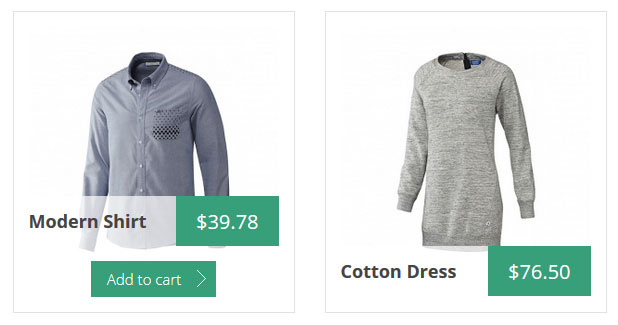
Suffix name: animated-pane-ms
11. Use this module suffix for the HikaShop Content module (Type of content - Brand ; Type of layout - List) if you want to get the following view.
Otherwise the module will use the default CSS styles.
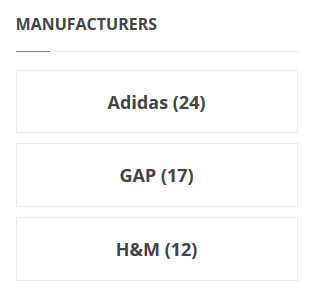
Suffix name: brand-ms
12. Use this module suffix for the DJ-MediaTools Album module if you want to get the following view.
Otherwise the module will use the default CSS styles.
Please note! You need to use the custom code to get the same look for the slide description. More details you will find in the "Typography" article here.
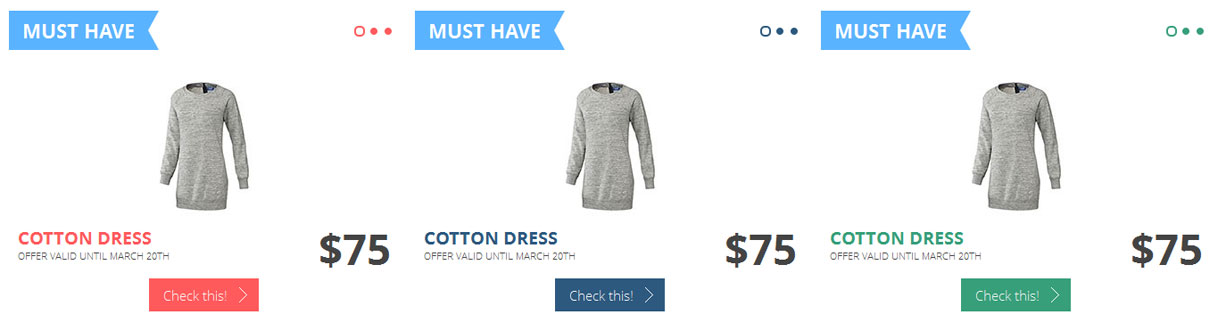
Suffix name: slider-ms pagination-ms
13. Use this module suffix for the DJ-MediaTools Album module if you want to get the following view of the navigation arrows.
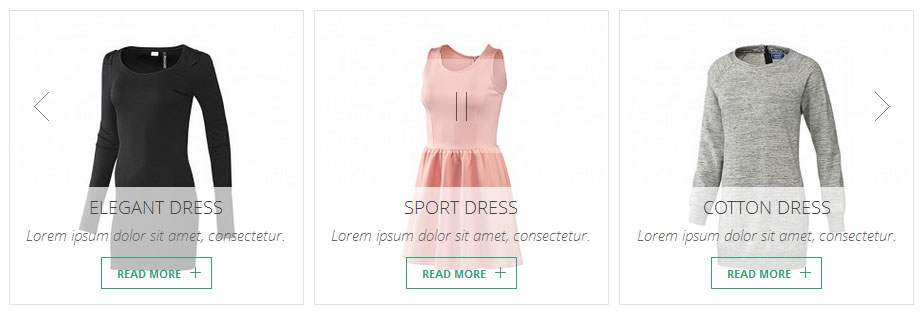
Suffix name: navigation-ms
14. Use this module suffix for the DJ-MediaTools Album module if you want to get the following view of the navigation arrows.
Please note! This module suffix will work on the following layouts: modern slider, slideshow, slideshow with thumbnails and tabber.
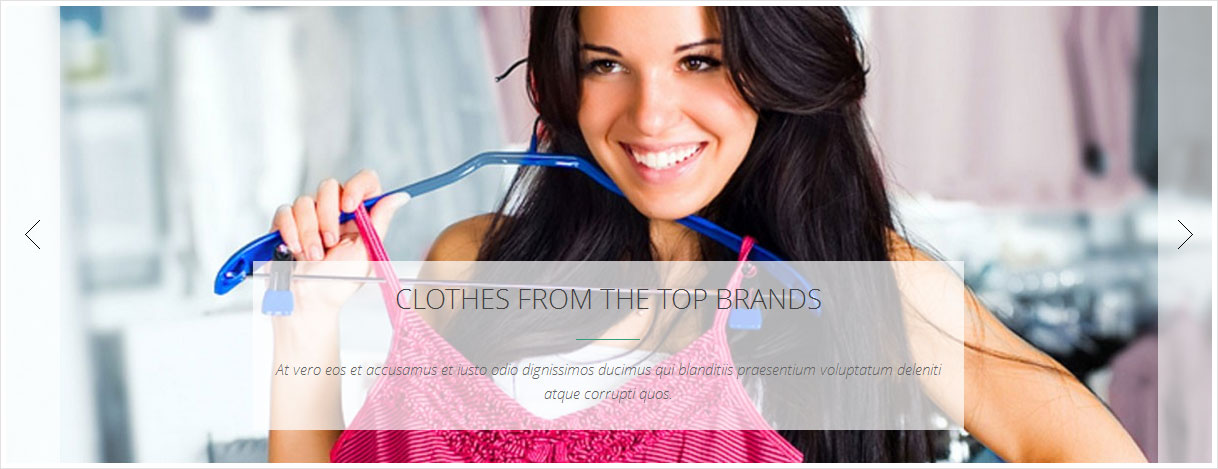
Suffix name: navigation-ms sides-ms
15. Use this module suffix for the DJ-MediaTools Album module if you want to get the following view.
Please note! This module uses the HikaShop Products as source.
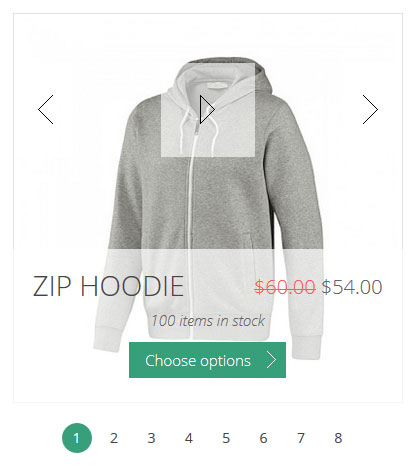
Suffix name: hikashop-ms
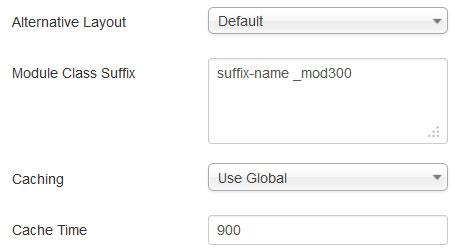
16. Additional and very useful suffix to make your modules' height the same.
You just have to put a suffix at a module configuration to get the specified module height.
See here the screenshot:
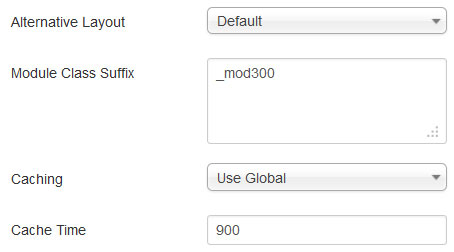
_mod300 means that your module will be of 300 pixels high.
If you need to mix suffixes, remember to put that suffix at the end and add space between suffixes, see the example: